Cricut Maker 5: What Crafters Need to Know
Cricut Maker 5 arrived in September 2026 with a familiar promise: make more things with one machine. The useful question is not whether it is newer, but whether its changes matter for the projects you actually make.
Cricut officially launched Maker 5 in early September. The headline changes are practical rather than cosmetic: support for compatible materials up to 3 mm thick, a more compact body, updated loading and pen workflows, USB-C connectivity, and the same broad ecosystem of specialty tools that made the Maker line attractive to multi-craft users.
What is actually new in Cricut Maker 5?
According to Cricut, Maker 5 is about 30% more compact than previous Maker models while retaining a 12-inch-class cutting format. It supports more than 300 compatible materials and 13 tools, with cutting, writing, drawing, foiling, scoring, debossing and engraving among the available workflows. Some tools and materials are sold separately.
The most consequential upgrade is clearance. Cricut says Maker 5 can cut and engrave compatible materials up to 3 mm thick. That expands the practical project list beyond standard cardstock, vinyl and iron-on into materials such as leather, foam core, corrugated plastic, wood, acrylic and some metals, depending on the operation and compatible tool.
| Feature | Why it matters |
|---|---|
| Up to 3 mm material support | More room for dimensional projects and engraving |
| Smaller footprint | Easier to fit on a desk or craft cart |
| USB-C + Bluetooth LE | More current wired connectivity |
| Load & Go workflow | Fewer small steps during repetitive making |
| 13 compatible tools | One platform can cover many craft types |
Maker 5 vs Maker 4: where the difference is real
Cricut’s own comparison is unusually useful here. Both generations support 300+ materials and 13 tools, so Maker 5 is not a complete reinvention. The meaningful differences are the 3 mm maximum material thickness versus 2.4 mm on Maker 4, a smaller and lighter body, USB-C instead of USB-A, the new pen holder and Load & Go workflow.
That means an existing Maker 4 owner should not assume an upgrade is automatically necessary. If you mostly cut HTV, adhesive vinyl, cardstock and fabric, the older machine already covers those jobs. The case for upgrading becomes stronger if you repeatedly hit material-thickness limits, want the smaller footprint, or expect engraving and dimensional projects to become a bigger part of your work.
Who should consider buying Maker 5?
1. Multi-craft makers
If you jump from a shirt design to a paper project, then to fabric appliqué or an engraved gift, Maker 5’s value is consolidation. A single machine can handle a wider mix of processes, although specialty tools and consumables can add to the total cost.
2. SVG and digital-file crafters
For people who regularly work with SVG files, the machine is a physical output tool for designs created or purchased digitally. A clean SVG can become a vinyl decal, iron-on graphic, cardstock layer or other cut project depending on the material and settings.
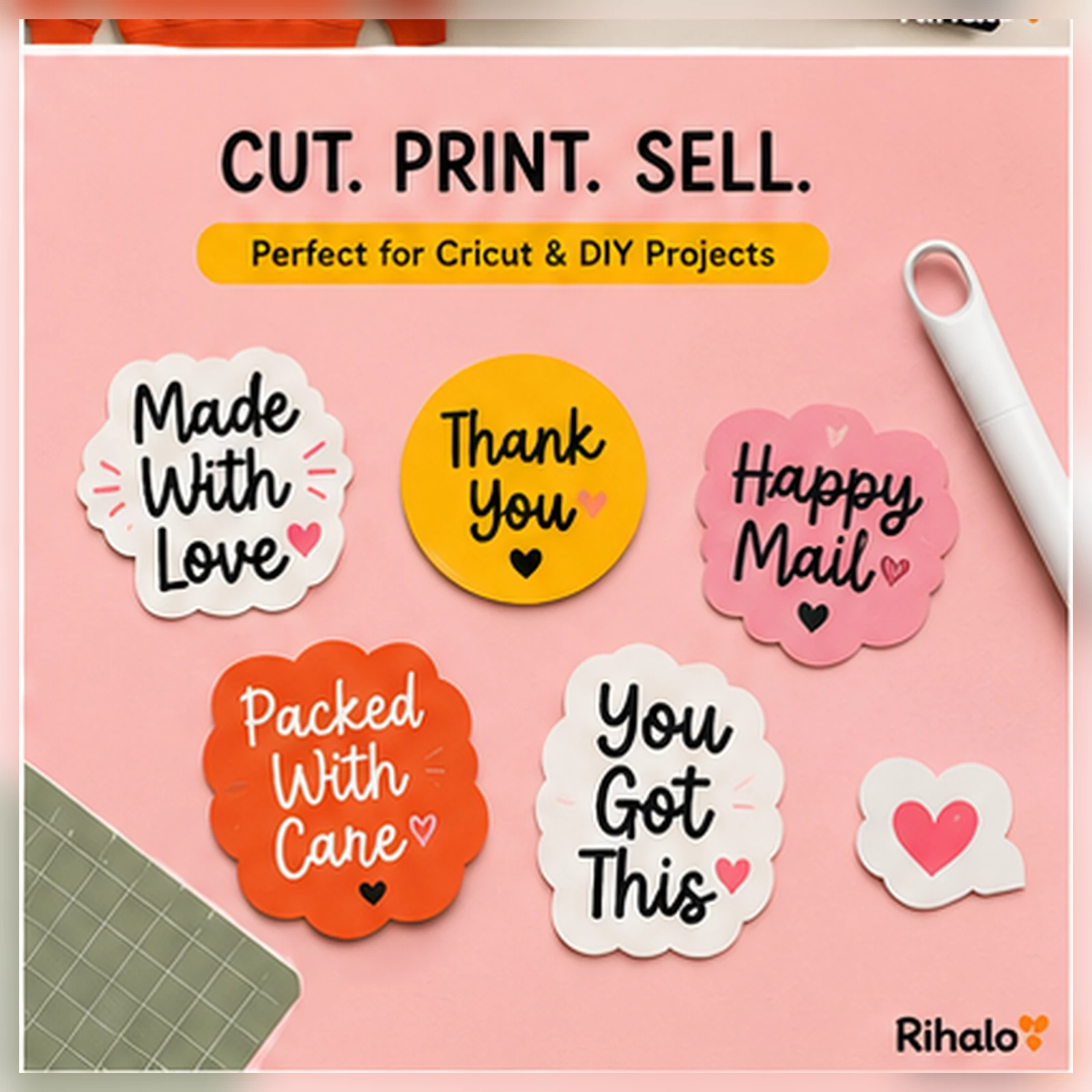
If you are building a library of cut-ready artwork, see Rihalo’s Spooky Halloween SVG + PNG for an example of the type of digital file used in cutting-machine workflows.
3. Small-space crafters
The smaller body matters more than it sounds. Cutting machines still need working clearance around them, but a reduced machine footprint is useful if your craft room is really a shared desk, kitchen table or rolling cart.
4. Makers experimenting with thicker materials
This is the strongest reason to look at Maker 5 specifically. Leather tags, acrylic pieces, dimensional signs, foam-core structures and engraved keepsakes are a different class of project from flat vinyl decals. Check Cricut’s material and tool compatibility before buying supplies; “up to 3 mm” is not a promise that every 3 mm material can be processed in every way.
Who probably does not need it?
A newer flagship machine is not automatically the best-value machine. If you mainly make basic stickers, labels, cards and simple iron-on designs, a less expensive cutting machine may cover the same everyday needs. Likewise, a Maker 4 owner who is happy with current projects should identify a specific limitation before upgrading.
What can you make first?
A sensible first-project sequence is designed to teach one new variable at a time.
- Vinyl label: learn basic cutting, weeding and transfer.
- Iron-on design: learn mirroring, placement and heat application.
- Layered cardstock project: practice material settings and assembly.
- Fabric appliqué: explore the rotary-blade side of the Maker ecosystem.
- Engraved or thicker-material project: move into Maker 5’s more distinctive capabilities once the basic workflow feels familiar.
Typography matters in many of those projects. Rihalo’s Hayden Handwritten Font and Dear Junie display font are examples of digital lettering assets that can be incorporated into compatible personal craft designs after preparing the artwork in your design software.
What should you budget for beyond the machine?
The machine price is only one part of a cutting-machine setup. Your actual cost depends on the projects you choose. Useful purchases may include cutting mats, replacement blades, weeding tools, transfer tape, vinyl or HTV, cardstock, compatible pens, specialty blades and a heat press for iron-on work.
This is also where future buying guides are more useful than a giant shopping list. A vinyl-focused beginner needs a different kit from someone buying Maker 5 for engraving or fabric. Start with one project family and add tools only when a real project requires them.
What the 3 mm capability changes for digital creators
For designers who sell or use digital craft files, thicker materials create new design constraints. Tiny internal cuts that work beautifully in vinyl may be impractical in leather or thick board. Engraving designs need different line thinking than layered cardstock. A good digital file is not merely attractive on screen; it has to respect the physical material and tool.
That creates an opportunity for creators to design more intentionally: simplified shapes for thick materials, larger negative spaces, stronger bridges between cut areas and project instructions that specify the intended material. Browse Rihalo’s Digital Design & Printables section for more digital-creation ideas.
Is Cricut Maker 5 worth upgrading to?
For a first-time buyer who wants Cricut’s broadest material and tool range, Maker 5 is the current flagship option and its extra material clearance gives it more headroom for future projects. For an existing Maker 4 owner, the answer is narrower: upgrade when the new thickness limit, smaller body or workflow changes solve a problem you already have.
Independent testing is useful here because manufacturer specifications do not tell the whole story. Tom’s Guide’s September review highlighted the 3 mm clearance and broad tool support while examining the machine as an actual upgrade rather than simply repeating the launch sheet. Reading both the official specifications and an independent review is a better buying process than relying on either alone.
FAQ
When did Cricut Maker 5 launch?
Cricut announced Maker 5 on September 3, 2026, with availability beginning in early September; exact retail availability varies by market.
Can Maker 5 cut 3 mm acrylic?
Cricut states that Maker 5 can work with compatible materials up to 3 mm, including acrylic for supported operations. Material, tool and project compatibility still needs to be checked for the specific job.
Does Maker 5 replace Maker 4 for every crafter?
No. Both support a broad material and tool ecosystem. Maker 5’s biggest practical advantages are thicker-material support, a smaller body and updated workflows/connectivity.
Do you need Cricut Access?
The machine works with Design Space, but Cricut notes that its full content library and certain software features require a paid Cricut Access subscription. Factor software choices into the long-term cost before buying.
Sources & further reading
- Cricut — Introducing Cricut Maker 5 (September 3, 2026)
- Cricut, Inc. — Maker 5 launch announcement (September 3, 2026)
- Cricut — Maker 4 vs Maker 5 comparison (September 8, 2026)
- Tom’s Guide — Cricut Maker 5 review (September 2026)
Editorial note: Rihalo is not affiliated with Cricut. Product names and trademarks belong to their respective owners. Specifications can change; confirm compatibility with the manufacturer before purchasing tools or materials.